Usage examples
Practical scenarios showing how uAPI works on a live site interface
uAPI usage examples
This page collects practical scenarios where the API speeds up everyday site tasks: talking to visitors, navigating content, and updating user profiles.
Quick comment replies
Lets visitors comment on a post without opening the material page. Useful as a reactions-style interaction.
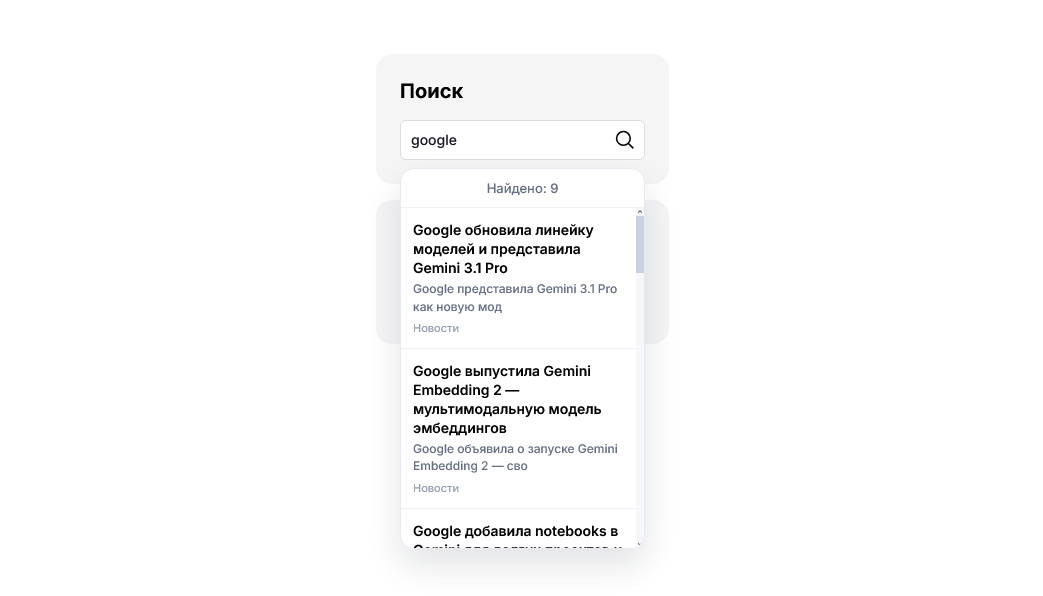
Live site-wide search
Dynamic search shows matching results as the user types and helps them reach the right content faster.
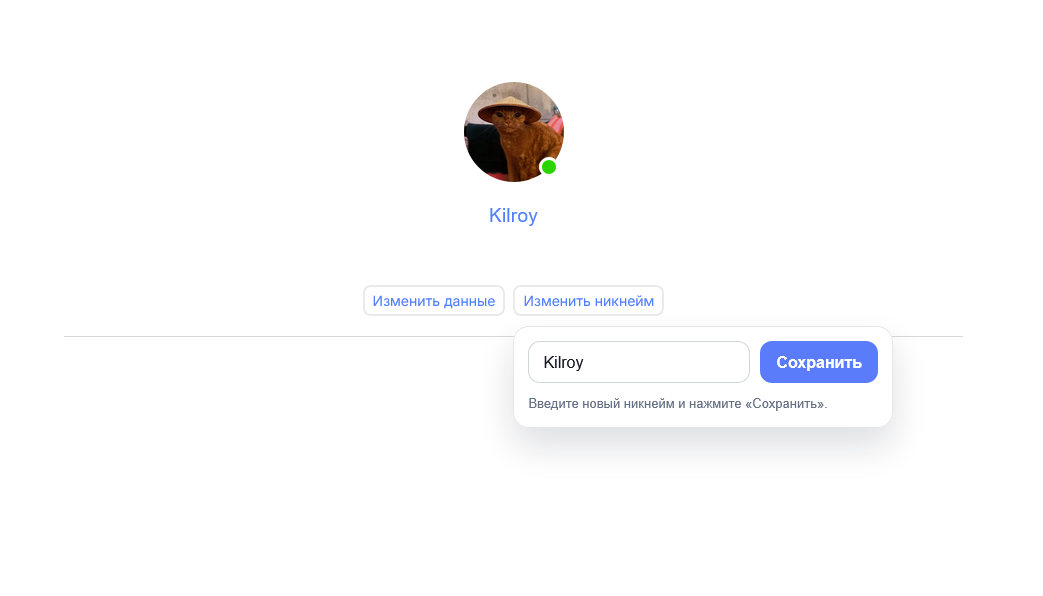
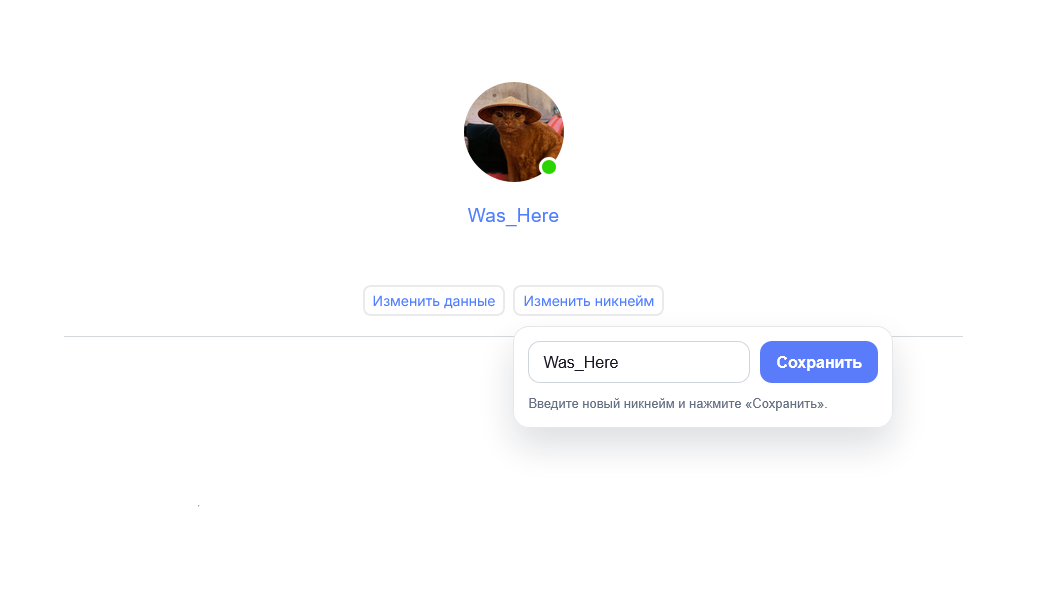
User nickname change
A profile-page UI updates the display name without admin involvement and without a complex settings form — in a few clicks.
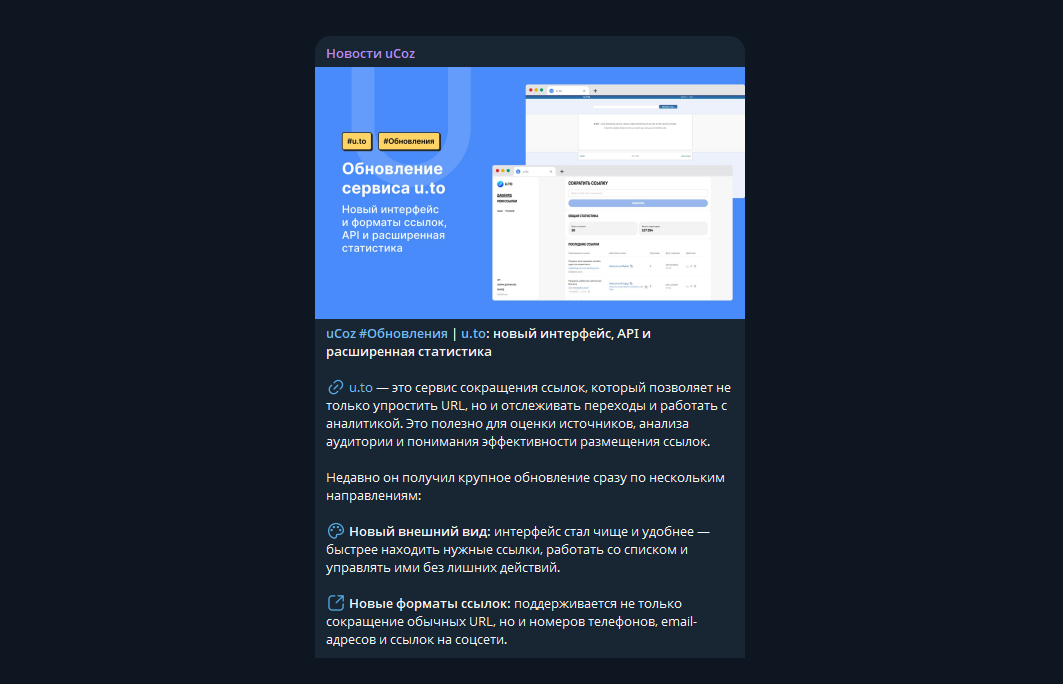
Telegram-to-blog autoposting
A VPS service watches new posts in a Telegram channel and automatically publishes them to the Blog module via UAPI.
Server script examples
Server scripts move complex data processing to the server and connect it with website modules. See the Server scripts page for available runtimes and tools.
Smart filters for online stores
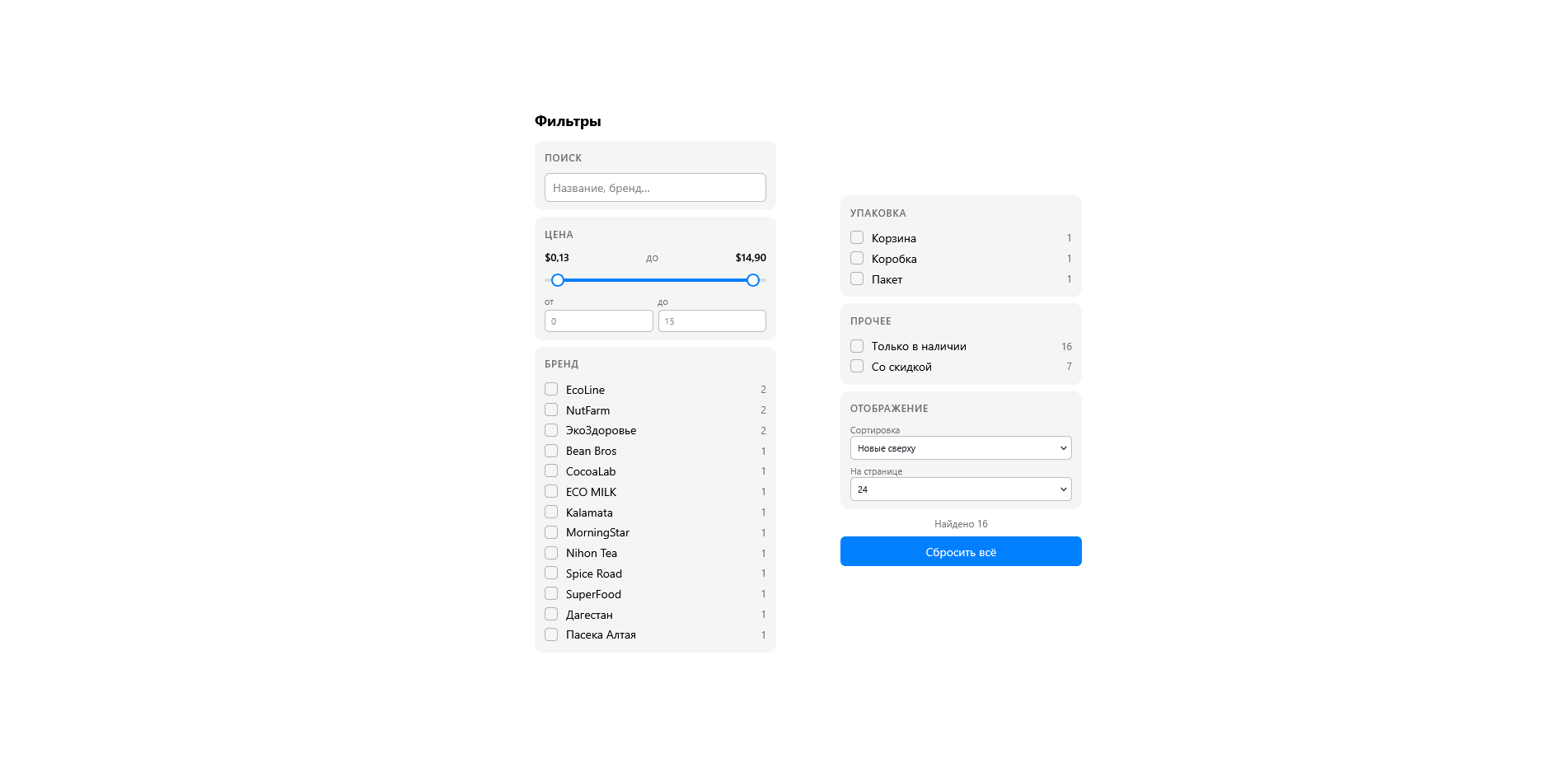
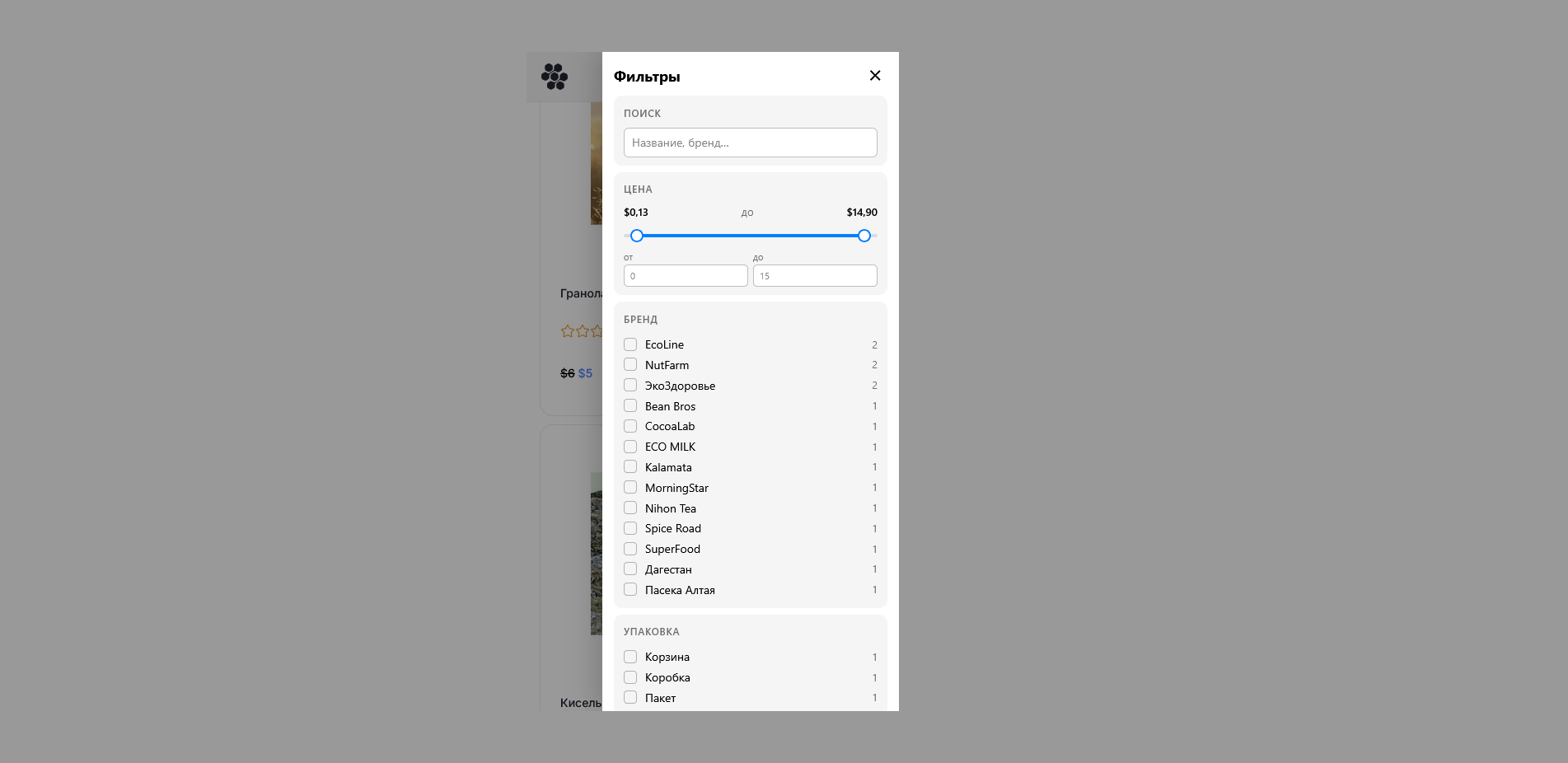
This multi-filter adds faceted catalogue filtering by category, brand, price, product attributes, availability, and discounts.
Order statistics dashboard
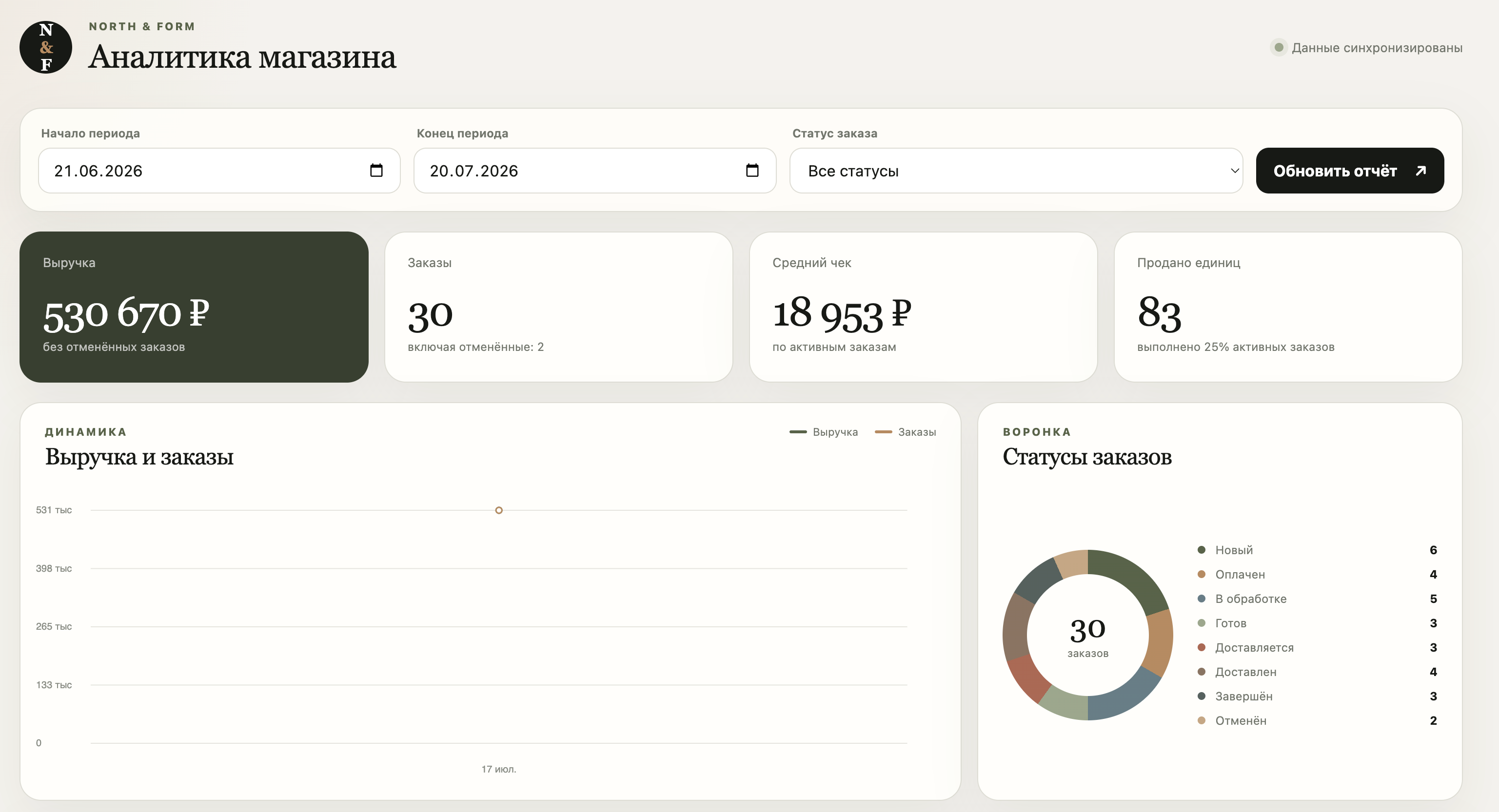
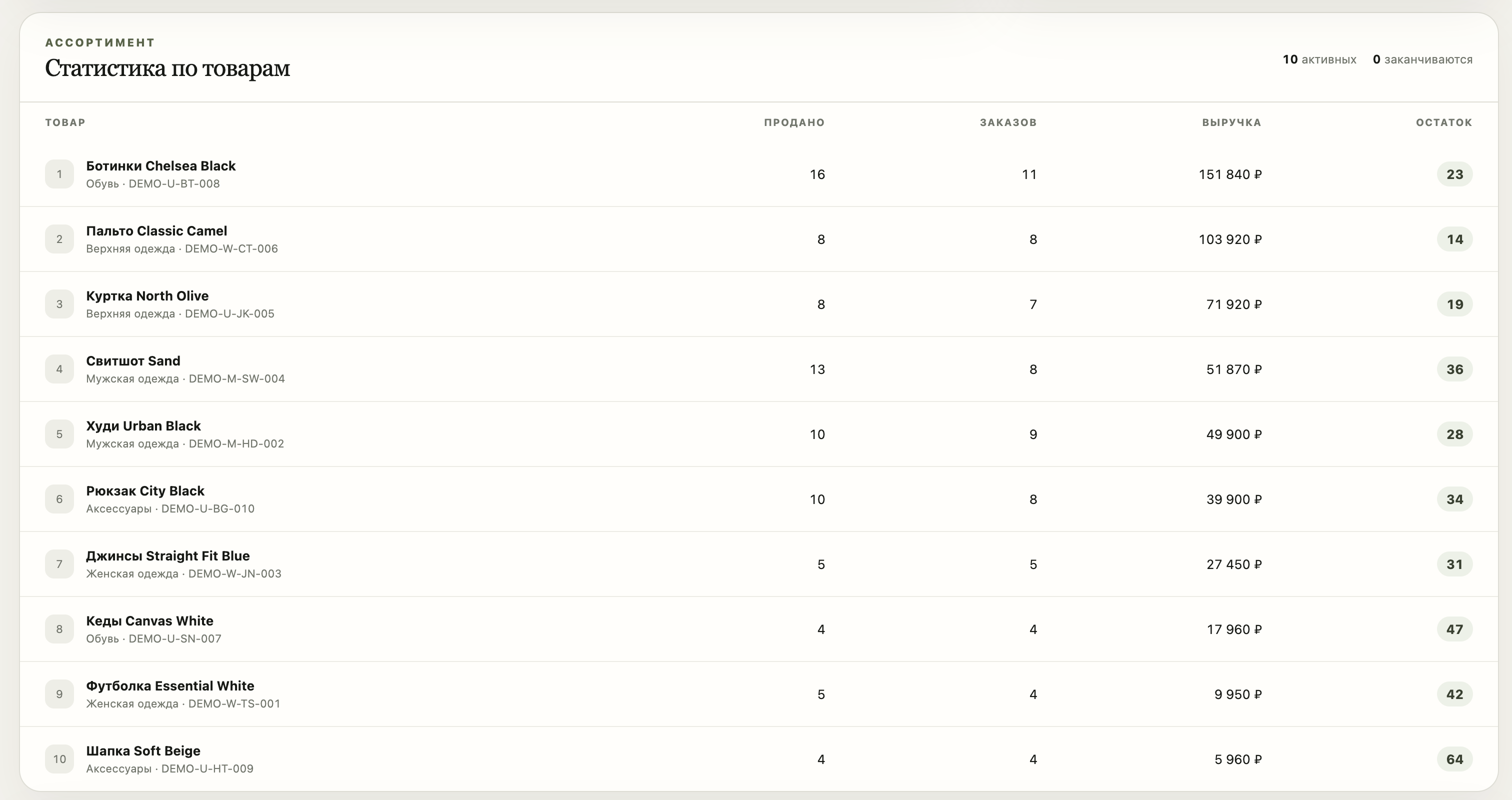
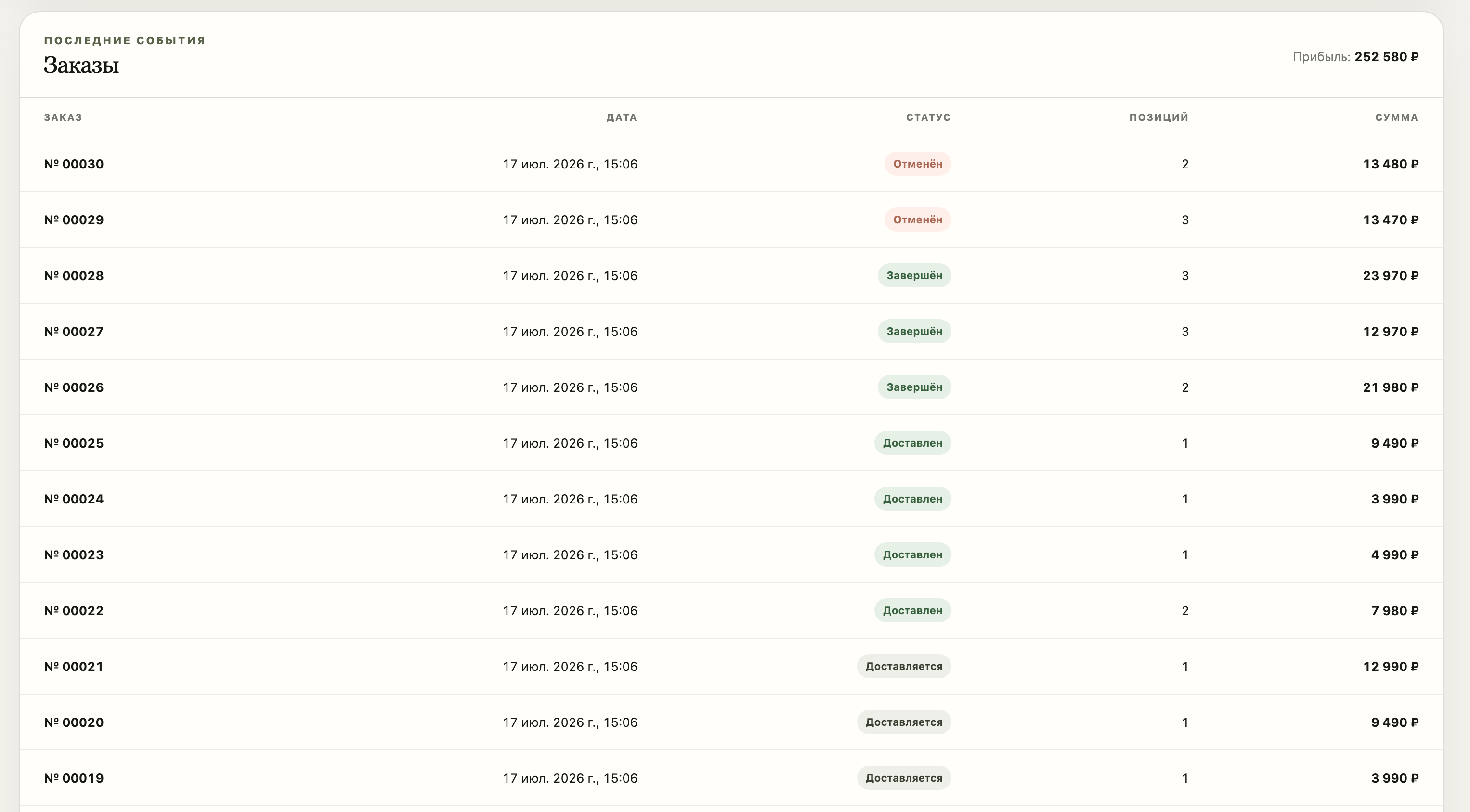
A Node.js application retrieves store data through uAPI and displays revenue, order statuses, products, and key metrics.
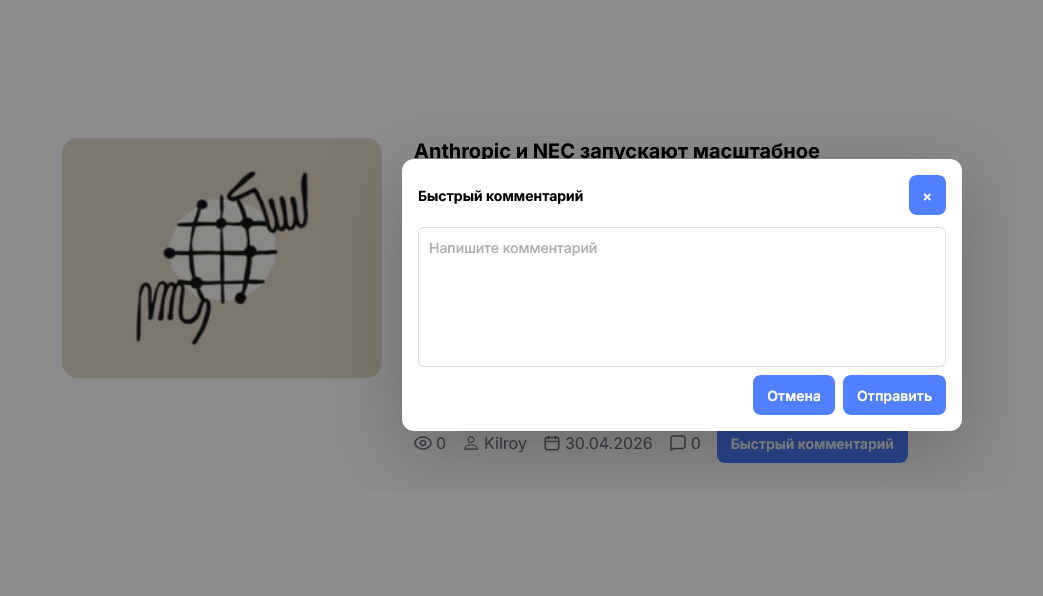
Quick comments
Visitors can leave quick comments directly from the publication feed without reloading the page or opening the full material page.
⬇ Download example archiveSetup instructions are inside the example archive.


Live site-wide search
Search queries site data on the fly and shows suggestions while the user types. This reduces dead-end navigation and helps visitors reach the right section, article, or product card faster.
⬇ Download example archiveSetup instructions are inside the example archive.


Change user nickname on profile page
The profile page can show a dedicated button that opens a uAPI-powered UI and applies the new name immediately. This makes account settings clear for end users.
⬇ Download example archiveSetup instructions are inside the example archive.
Autopost from Telegram channel to Blog module
A Telegram bot watches new posts in the official @UcozNews channel; a VPS service receives events and uses UAPI to publish entries to the official Ucoz blog. The site then automatically creates Blog module posts with the same title and body as in the channel.
⬇ Download example archiveSetup instructions are inside the example archive.

Online store order statistics dashboard
This ready-to-use Node.js application retrieves Online Store module data through uAPI and presents it in a protected analytics dashboard. It shows revenue, order counts and statuses, average order value, units sold, product inventory, and recent activity for a selected period.
Technologies: Node.js 18+ and uAPI with Bearer Token authentication. The application is read-only: it does not create, update, or delete products or orders.
⬇ Download example archiveStep-by-step installation instructions are included in the archive as INSTALL.md.
Smart filters for online stores
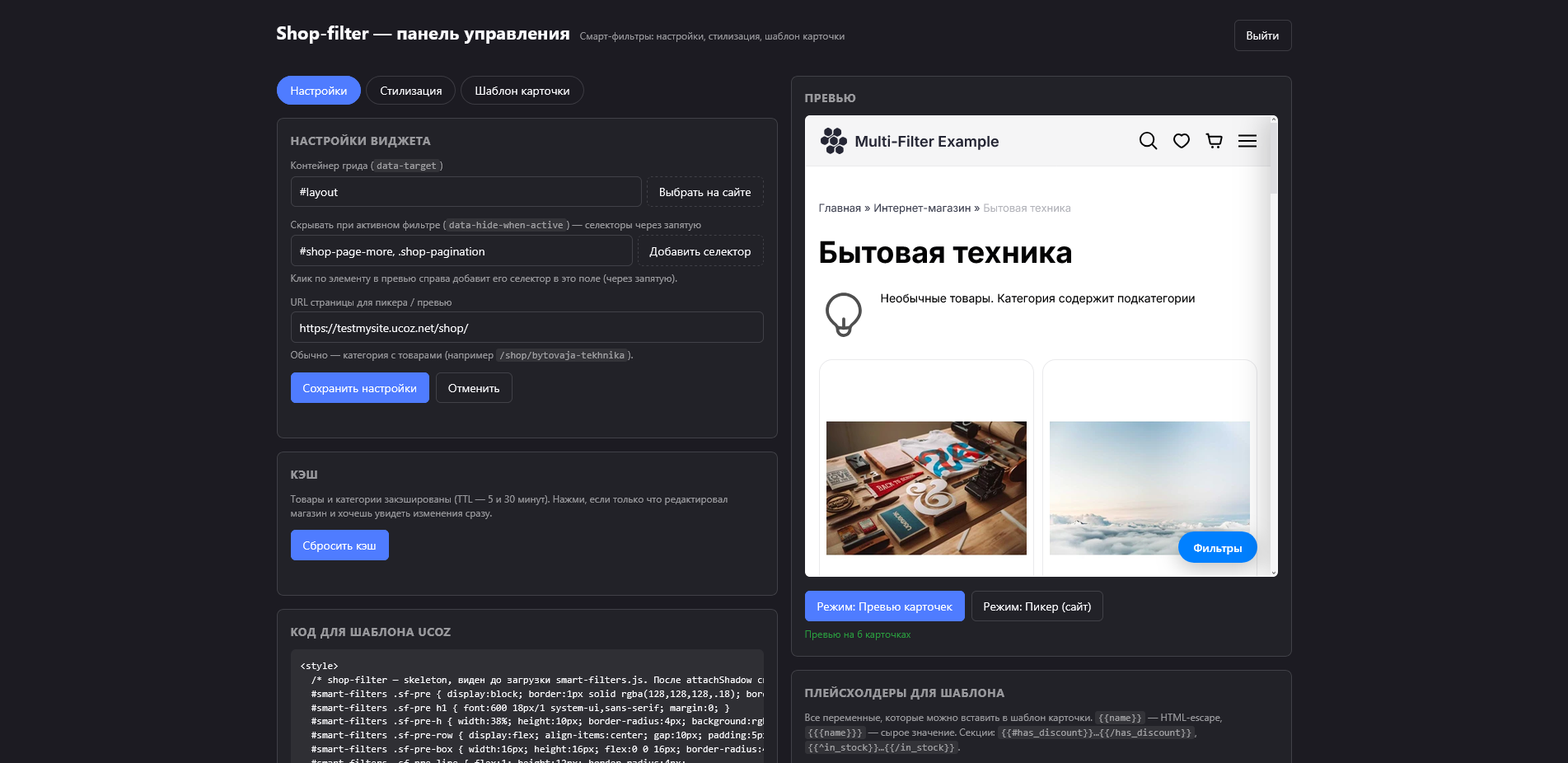
This ready-to-use PHP multi-script for uCoz server scripts adds faceted filters to catalogue pages. Visitors can filter products by category, brand, price, product attributes, availability, and discounts. Results update without reloading the page, and the selected parameters remain in the URL.
Configuration is handled through the built-in dashboard: select the product grid container, import the product card template, and adjust the filter appearance without editing the site code.
⬇ Download example archiveStep-by-step installation instructions are included in the archive as INSTALL.md.